Environment over willpower
Building the invisible infrastructure for attention. Turn everyday objects and places into physical keys for focus.

Building the invisible infrastructure for attention. Turn everyday objects and places into physical keys for focus.
1/3 of life on screens.
7 hours scrolling daily.
2 hours focused.
The algorithm wins.
Use physical objects or locations to block distractions - choose what works for you
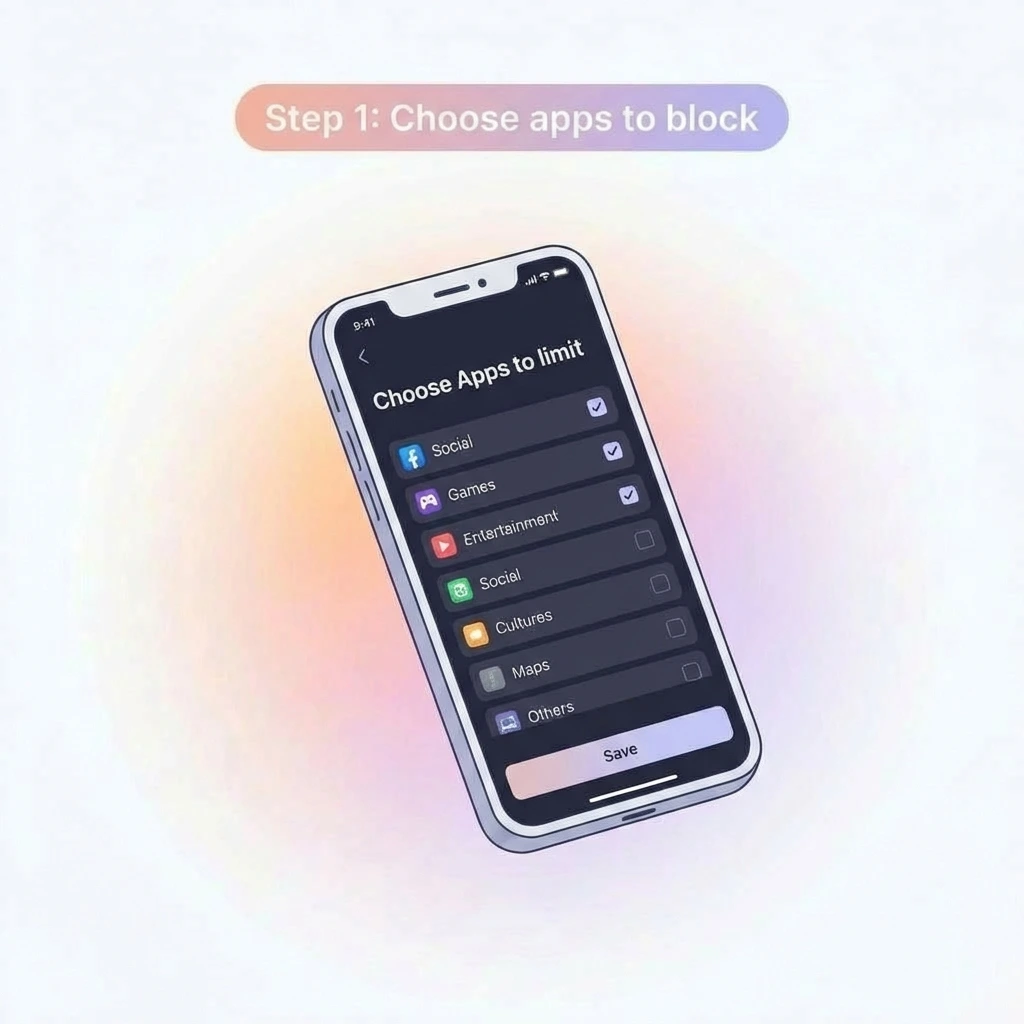
Select which distracting apps you want to block during your focus sessions
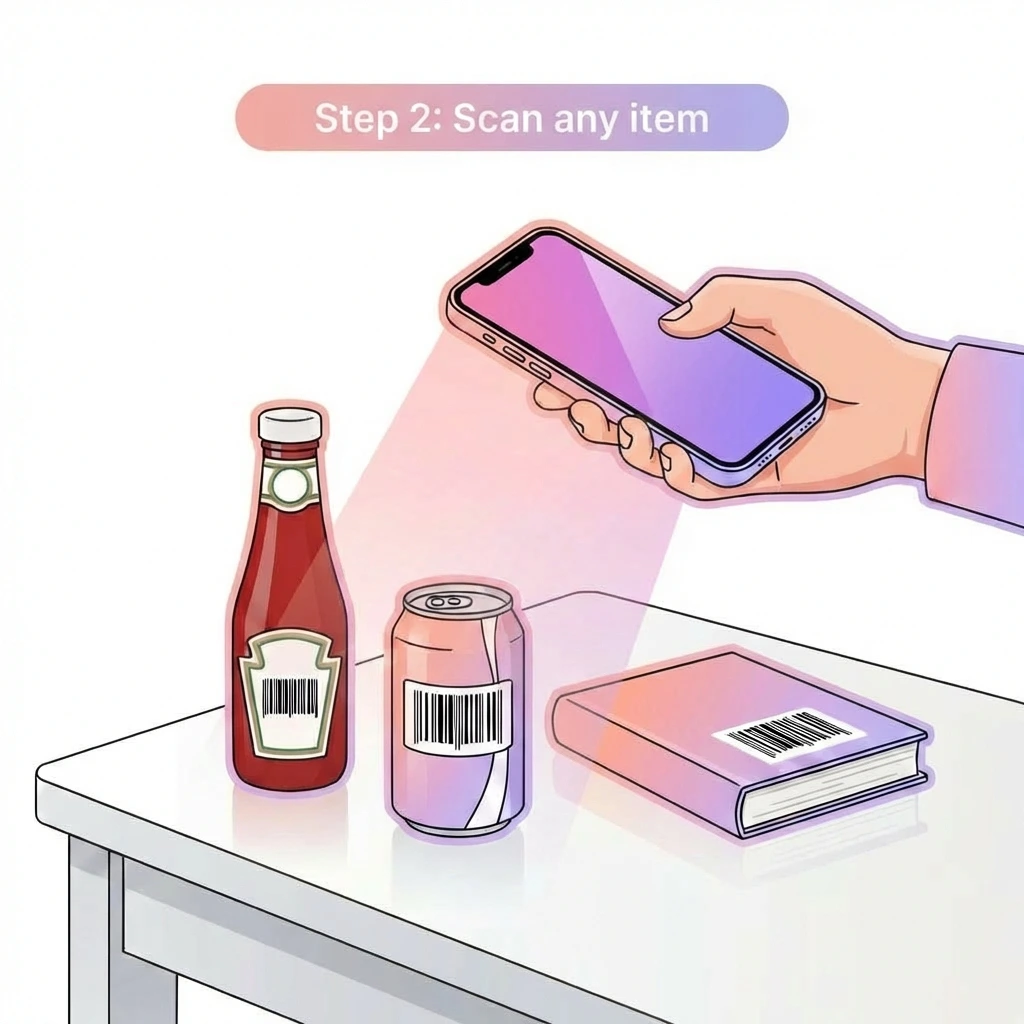
Scan a barcode key (book, bottle, anything) OR set a geofence location that auto-blocks apps
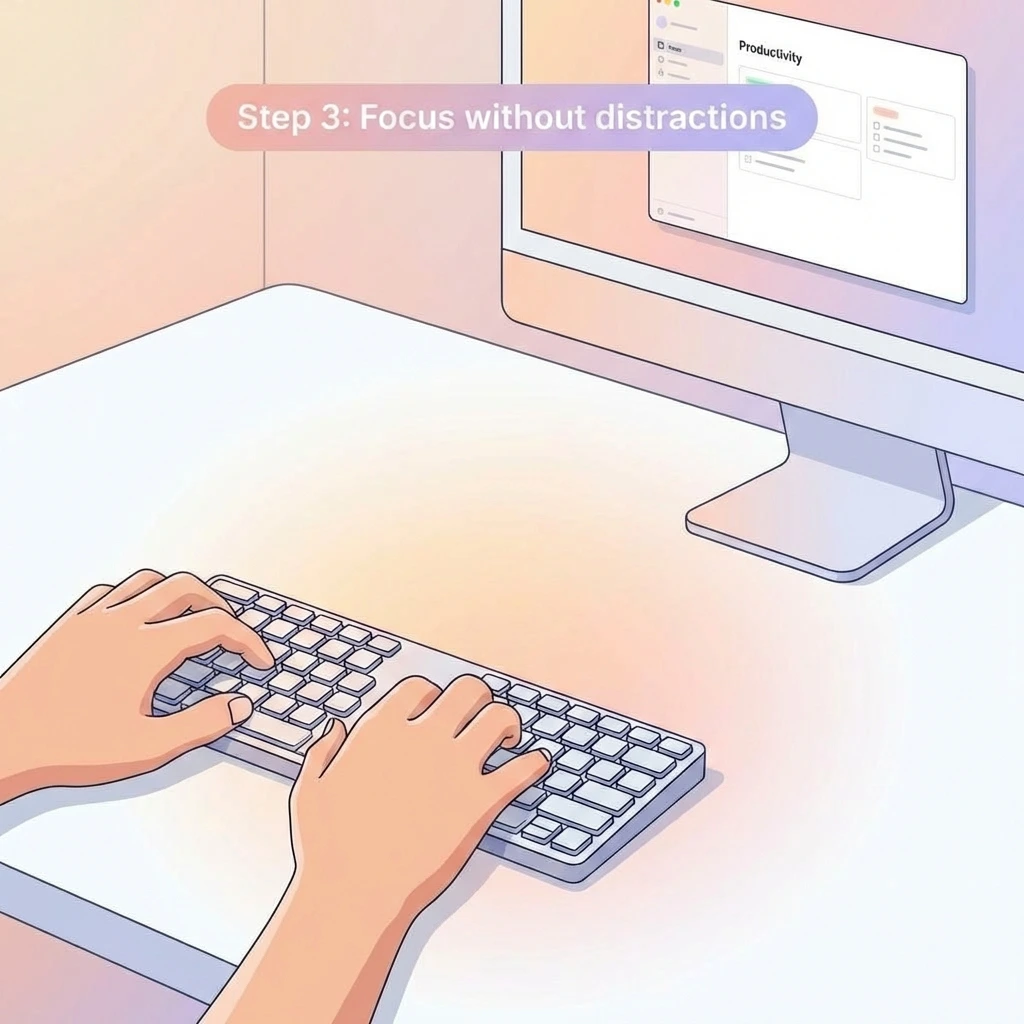
Enter your geofence zone OR leave your barcode key behind - apps automatically block
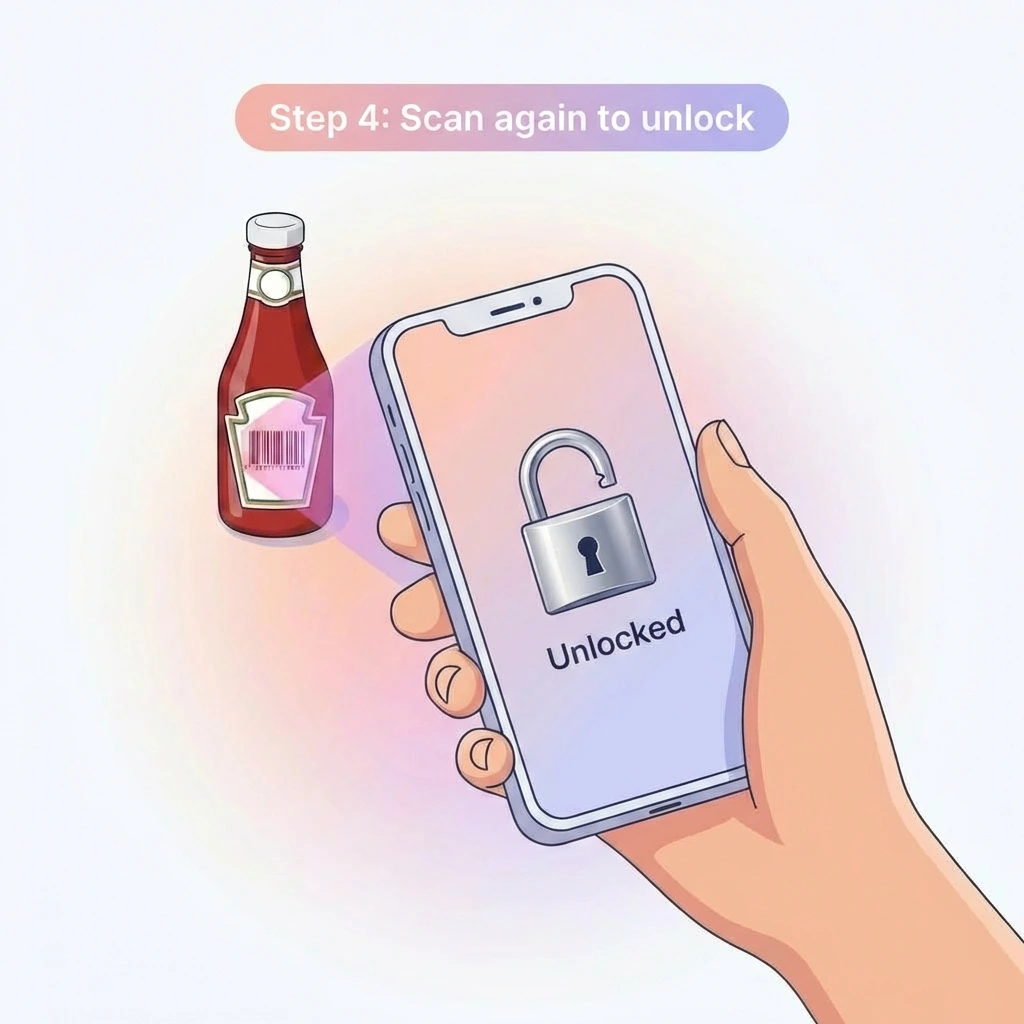
Apps stay blocked until you leave the zone or scan your key - no shortcuts, no willpower needed
Minutes reclaimed by REGA users
Watch how REGA transforms your focus workflow
Choose what works for you
Register any barcode as your unlock key. Leave it at home, apps stay blocked until you scan it again.
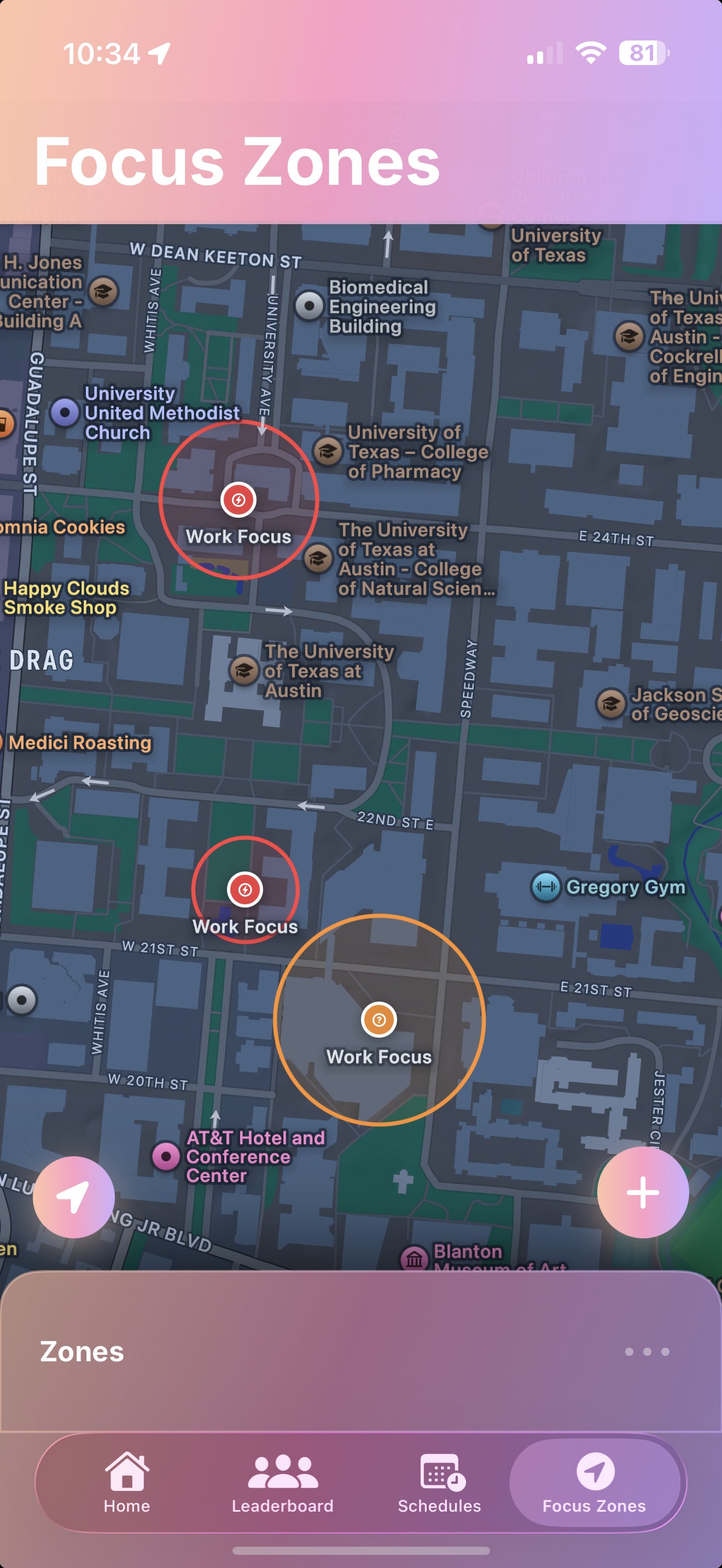
Set geofenced locations that auto-block apps when you enter. Walk into your zone, distractions disappear.
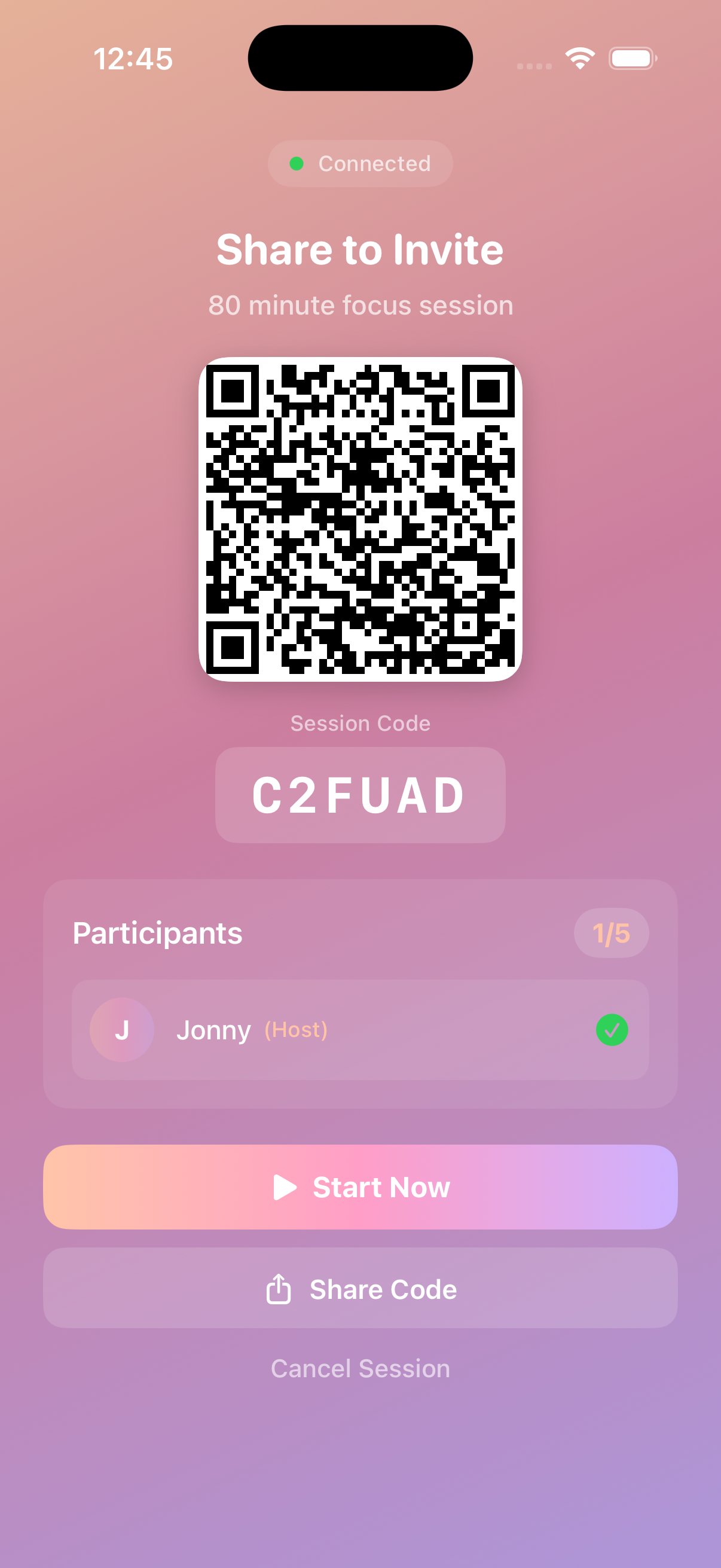
Focus together with friends or teammates. Everyone stays accountable in shared focus sessions.
Experience Full Premium
Unlock all features. Cancel anytime during your trial, no commitment.
Try Premium Free for 7 DaysThen $29.99/year or $4.99/month. Cancel anytime.
First, register up to 2 barcode keys (water bottle, textbook, etc.) and set up to 3 focus zones. Start sessions anytime through the app. To unlock, you need your physical key - so leave it at home for forced separation. Zones auto-block when you enter and unlock when you leave.
You get 3 free emergency exits every month. If you use them all, you can purchase more. The cost keeps you accountable.
Social media, games, entertainment, or anything you find distracting. You choose which apps to block.
Focus zones require GPS verification initially, but once set up, most features work offline.
Verified study locations (libraries, cafes) where you can join group study sessions and see who else is focusing nearby.
Yes. We only verify you're at a focus zone. We don't track where you go otherwise. See our Privacy Policy.
First, register up to 2 barcode keys (water bottle, textbook, etc.) and set up to 3 focus zones. Start sessions anytime through the app. To unlock, you need your physical key - so leave it at home for forced separation. Zones auto-block when you enter and unlock when you leave.
You get 3 free emergency exits every month. If you use them all, you can purchase more. The cost keeps you accountable.
Social media, games, entertainment, or anything you find distracting. You choose which apps to block.
Focus zones require GPS verification initially, but once set up, most features work offline.
Verified study locations (libraries, cafes) where you can join group study sessions and see who else is focusing nearby.
Yes. We only verify you're at a focus zone. We don't track where you go otherwise. See our Privacy Policy.
Help students and teams build focus habits that last. We partner with schools, universities, and organizations to bring Rega's science-backed approach to your community.
Partner With Us hi@joinrega.com
How often are you distracted by your phone?
Get exclusive early access pricing + special launch discount
Limited time offer. Unsubscribe anytime.